
Display Interfaces for Smart Home Appliance Products
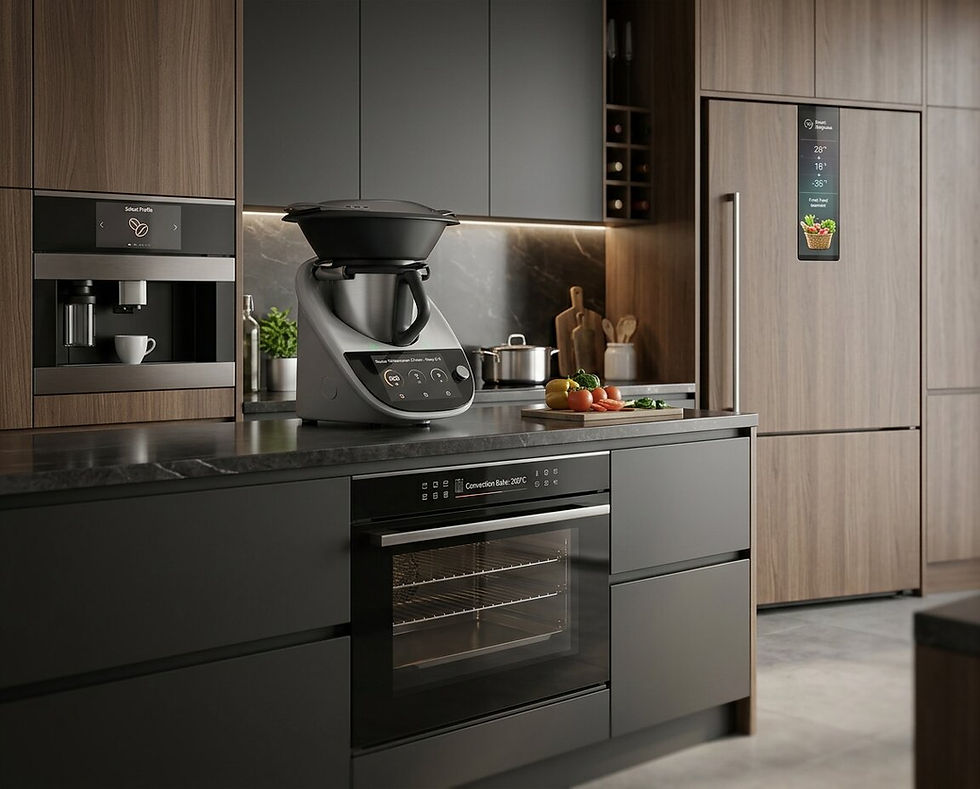
Smart home and appliance displays need to balance user experience, visual quality, touch interaction, cost, power use and mechanical integration. The right display route depends on the product type, interface complexity, design goals and commercial requirements.
Smart Home and Appliance
Application Areas
.png)
Kitchen Appliances
Display and touch options for ovens, coffee machines, hobs and connected kitchen equipment.
_edited.jpg)
Laundry and White Goods
Interfaces for washing machines, dryers and appliance control panels.
_edited.png)
Smart Home Controls
Displays for wall controls, smart panels and connected home interfaces.
_edited.png)
Heating and Climate Controls
Display options for thermostats, HVAC controls and environmental systems.
_edited.png)
Small Domestic Appliances
Compact display and status interface options for product control and feedback.
_edited.png)
Specialist Embedded Products
Display support for connected and application-specific product designs.
Technical Requirements
Key factors to review when selecting and integrating display technology into smart home environments.
Engineering Review
Smart home display projects need to be reviewed against operating environment, usability, integration and lifecycle requirements.
User Interface Layout
Display size, content, icons and menu layout should be reviewed around the intended smart home or appliance interface.
Touch or Button Interaction
Touchscreen appliance displays, buttons, dials and hybrid controls should be reviewed around usability and the intended product environment.
Visual Appearance
Display appearance, cover glass and front-panel integration can influence the design and user experience of white goods and smart appliances.
Power Consumption Profile
Display power requirements should be considered against standby behaviour, operating modes and the overall appliance system design.
DISPLAY TECHNOLOGIES
Suitable Technologies
Selecting the right display technology is important for appliance usability, product design, power consumption and user interface performance.

TFT LCD displays can support graphical interfaces in smart appliances, home controls and connected products where colour, touch and flexible interface design are required.

May be suitable for low-power information displays where content changes less frequently.

Can be reviewed where enhanced visual performance or premium interface appearance is required.

May support enhanced colour presentation depending on display architecture and project requirements.

Touch, Cover Glass and Optical Bonding
Can help support usability, protection and readability depending on the final product design.
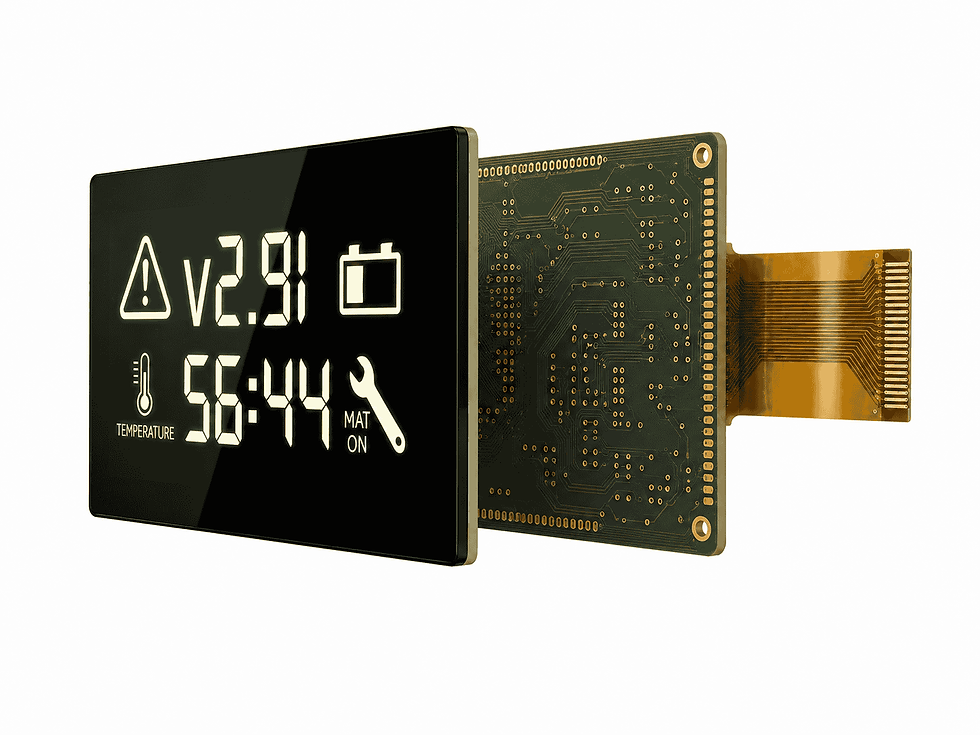
May support selected secondary controls, symbols, indicators or simple status display areas.
Frequently Asked Questions
Can BOE-VX support appliance display projects?
Yes. BOE-VX can support display and interface technology discussions for connected appliances, white goods and smart home products.
Which technologies may suit appliance displays?
TFT LCD, OLED, IBN / passive, E-Ink / EPD, Mini-LED, touch, cover glass and bonding may be reviewed depending on the product requirements.
Can BOE-VX help with cover glass design?
BOE-VX can support discussions around cover glass, touch and bonding options depending on the product design and integration needs.